

Expert Help. Wherever You Are.
Get professional computer assistance without bringing your system into the shop. East Carolina Computers can securely connect to supported computers to diagnose problems, adjust settings and resolve many common technical issues remotely.
Expert Help. Wherever You Are.
Get professional computer assistance without bringing your system into the shop. East Carolina Computers can securely connect to supported computers to diagnose problems, adjust settings and resolve many common technical issues remotely.
East Carolina Computers Support
Get technical help, manage support requests, find answers, and access your billing information from one place.
Start Your Secure Remote Support Session
If you requested assistance or are currently working with an East Carolina Computers technician, getting connected takes only a few steps.
Select Your Computer
Open the ECC Remote Support page and select the operating system used by the computer you need help with.
Run the Support Application
Download the appropriate support application and open it on the computer that needs assistance.
Choose Connect
Select Connect when prompted so your ECC technician can begin the remote support session.
Support for the Computer You Use
The ECC Remote Support portal provides the correct support application for Windows, Linux, macOS, Android and other supported systems.
Most customer computers will use the Windows 64-bit option, but other platforms are available when needed.

Only download or run remote support software when you requested assistance from East Carolina Computers or are currently working with an ECC technician.
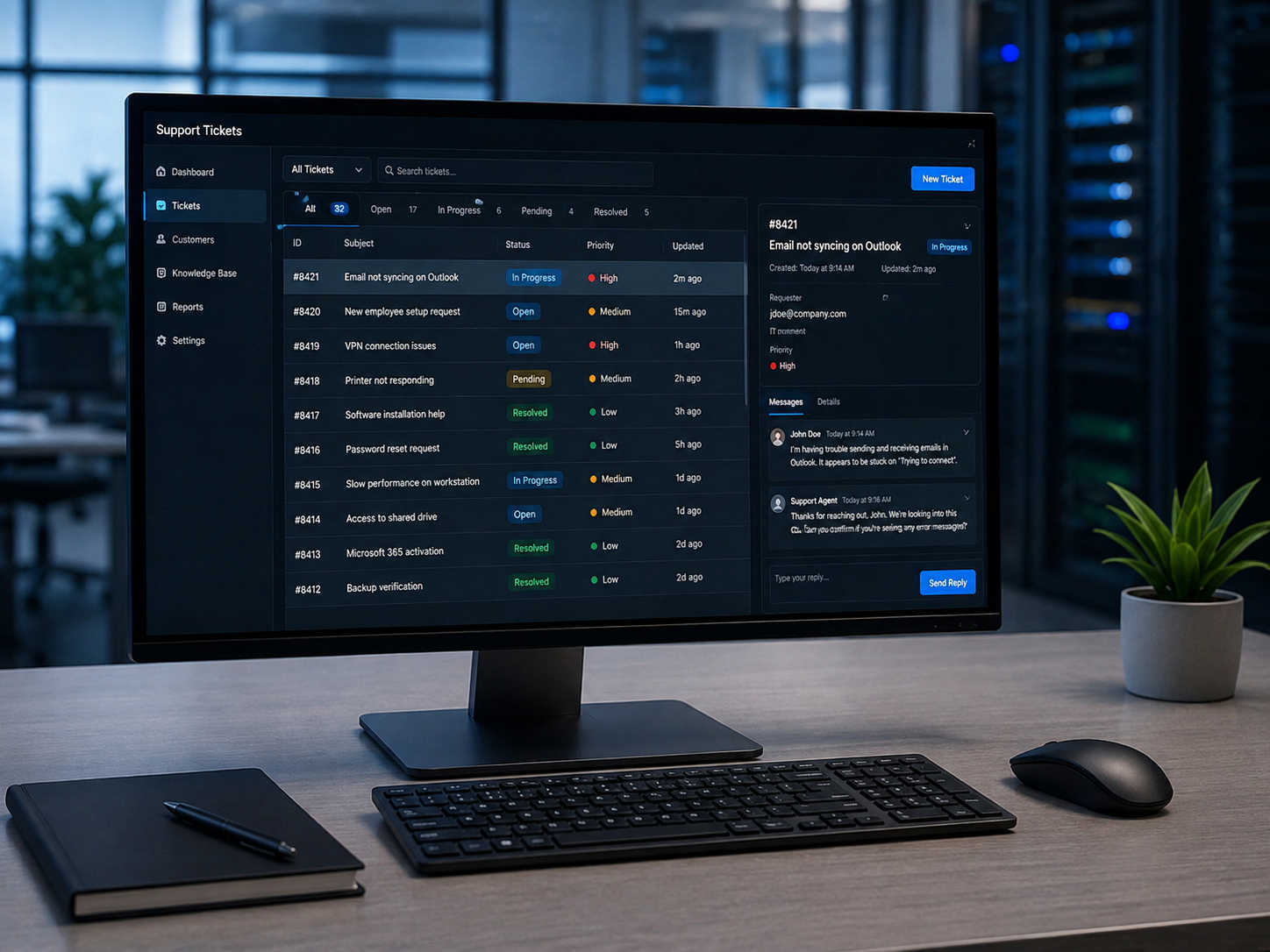
Support Tickets
Use the ECC Support Portal to open a new support request, check an existing ticket, review technician updates, and reply with additional information.
A support ticket keeps the details of your request and the entire support conversation together in one place.
Open Support PortalHelp Us Help You Faster
When opening a support ticket, include the computer or service affected, describe what is happening, include any error messages you see, and tell us when the problem started. Clear information helps us understand the issue faster and reduces unnecessary back-and-forth.
Knowledge Base
The ECC Knowledge Base contains practical guides and answers for common computer and technology questions.
Browse help for Windows, remote support, email, internet and networking, security and malware, backups and data, billing, and computer care.
Browse Knowledge Base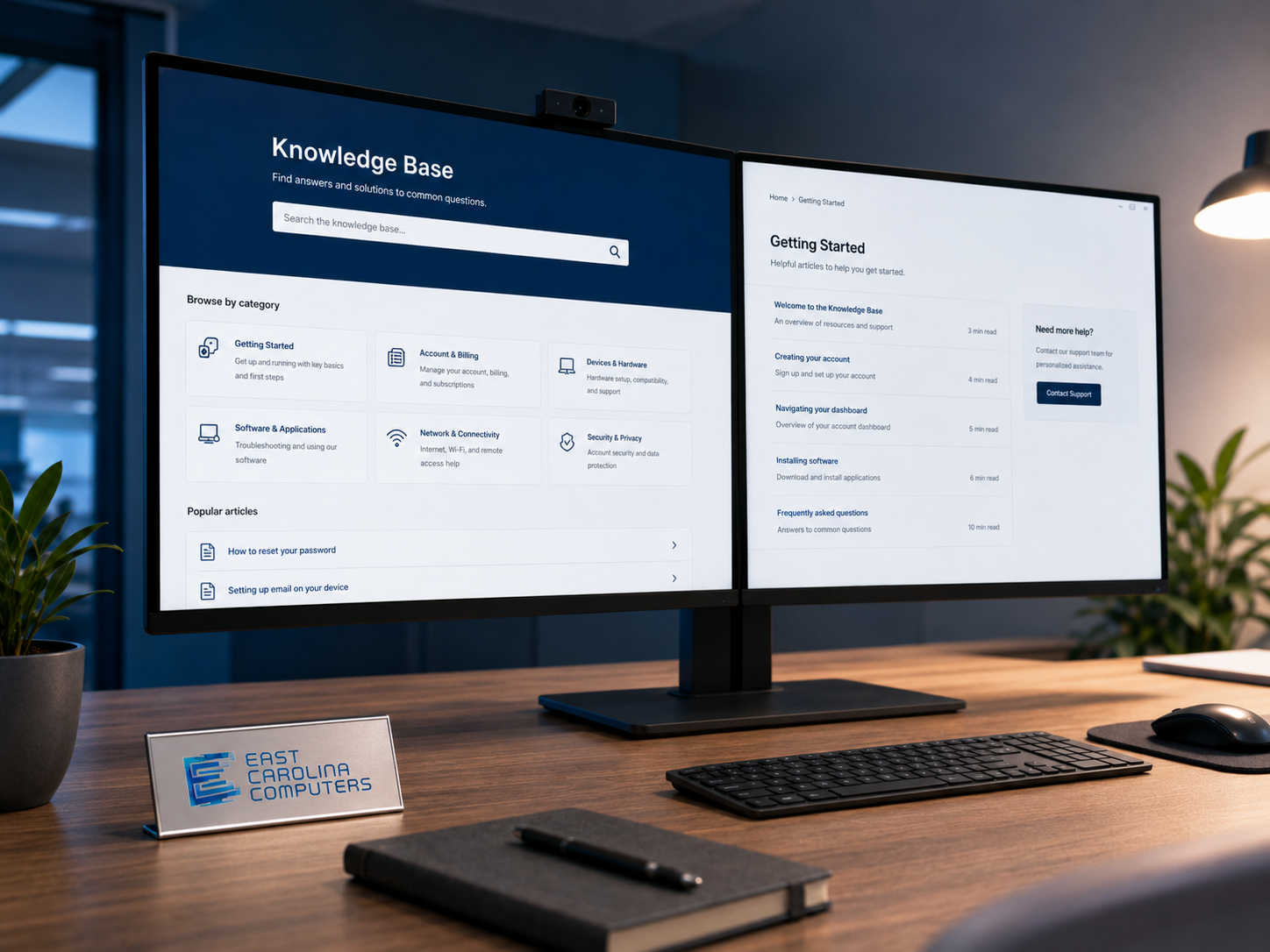
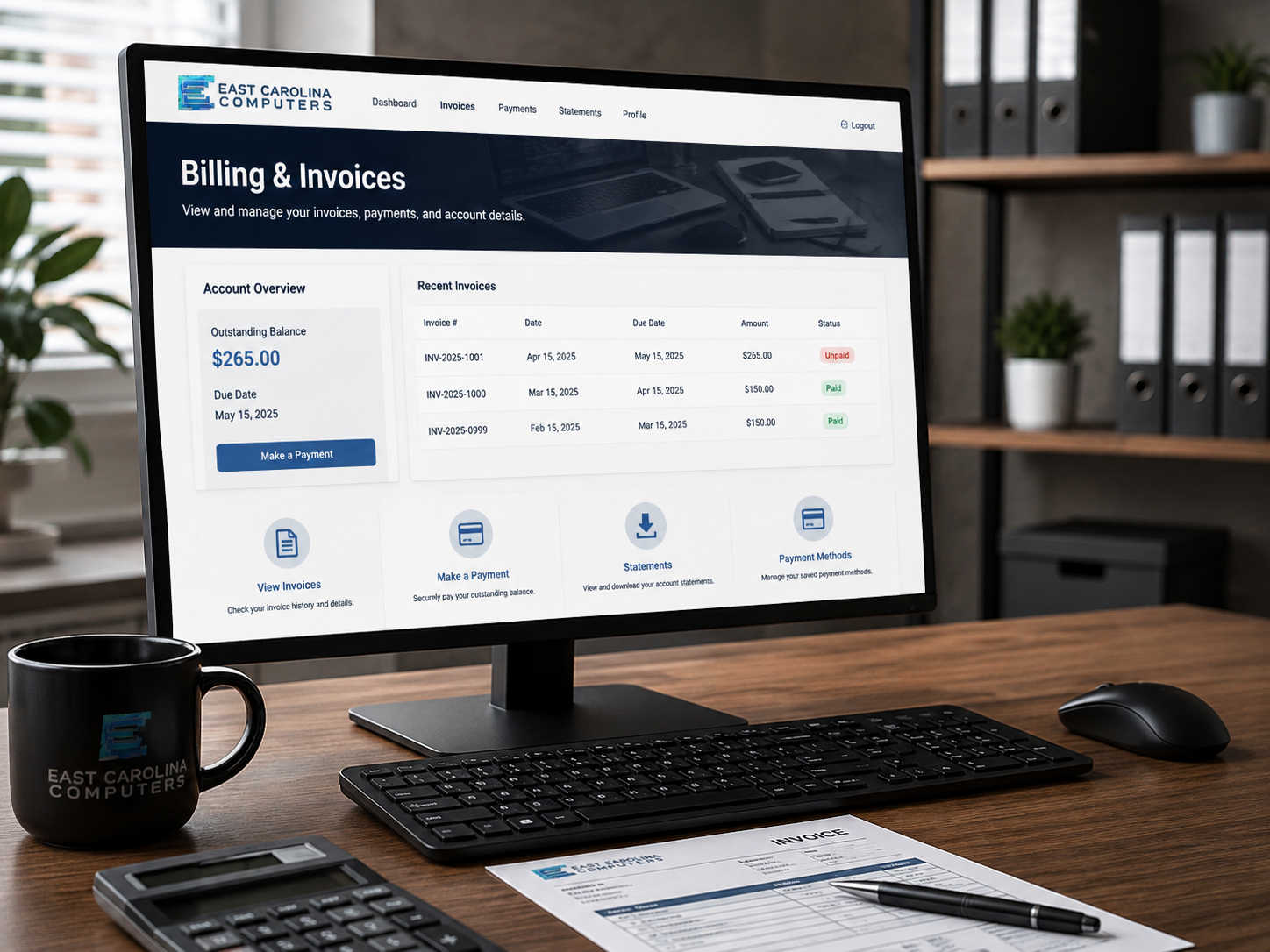
Billing
Use the ECC Billing Portal to access invoices, review balances, check payment history, and manage your customer billing information.
Open Billing PortalNeed Help?
Call East Carolina Computers for immediate guidance or open a support ticket and tell us what you need help with.